Your customer calls at 9 PM. Netflix is frozen. The ONU has a blinking red LOS light. You have 5 minutes before they start Googling for a new ISP. This guide tells you exactly what that red light means and how to fix it — fast.
The LOS (Loss of Signal) red light is the #1 support call driver for fiber ISPs in India. It means the ONU is not receiving light from the OLT — the fiber path is broken somewhere. Here's how to diagnose and fix it in minutes, not hours.
What Does the LOS Red Light Mean on Your ONU?
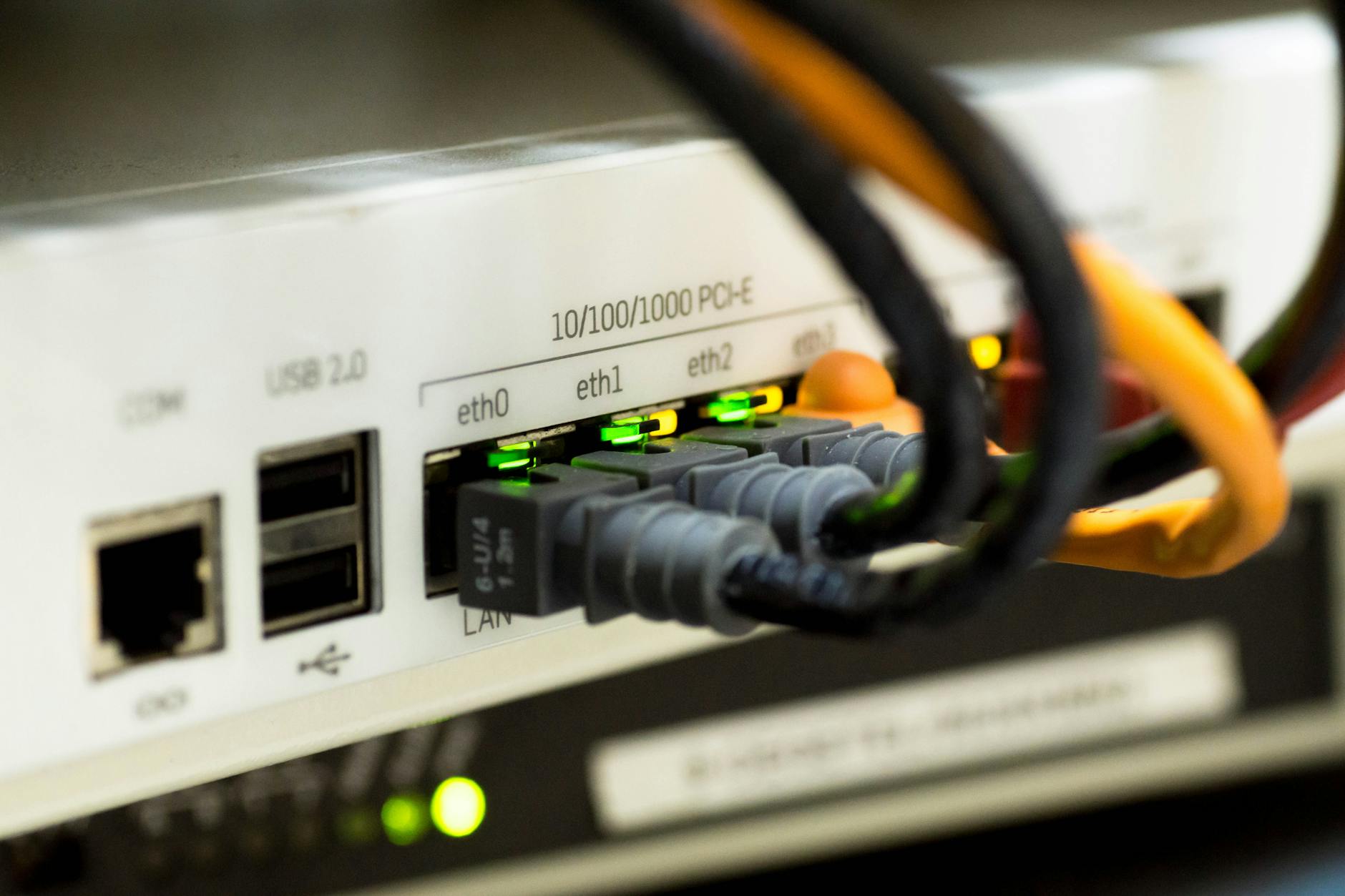
LOS = Loss of Signal. The ONU (Optical Network Unit) at your customer's home is not receiving any light signal from the OLT (Optical Line Terminal) at your headend. No light = no internet. The red light is the ONU telling you: 'I can't see the OLT.'
Common Causes of LOS Red Light (Ranked by Frequency)
- Fiber cable cut or break (most common — construction, road work, weather)
- Loose or dirty fiber connector at the ONU or splitter
- Splitter failure in the distribution network
- OLT port failure at the headend
- ONU hardware failure (least common but happens)
- Fiber bend or pinch (sharp bends in cable routing)
- Water ingress in junction boxes (monsoon season)
Step-by-Step: How to Fix LOS Red Light
Step 1: Check the ONU Power Light
If the power light is off, the ONU has no electricity. Check the adapter, power outlet, and cable. If power is fine but LOS is red, the problem is in the fiber path.
Step 2: Inspect the Fiber Connector
Unscrew the fiber connector from the ONU. Check for dust, dirt, or damage. Clean with a fiber cleaning wipe or lint-free cloth. Reconnect firmly. If the light turns green — done. If still red, move to step 3.
Step 3: Check the Splitter
Trace the fiber back to the nearest splitter (usually in a junction box on the pole or in the building basement). Check if other customers on the same splitter are also down. If yes, the problem is upstream — likely a fiber cut or OLT issue.
Step 4: Test with a Known-Good ONU
If you have a spare ONU, swap it in. If the spare also shows LOS, the problem is definitely in the fiber path, not the ONU hardware.
Step 5: Check the OLT
Log into your OLT management interface. Check if the PON port is showing any ONU registrations. If all ONUs on that port are offline, you have a fiber cut between the OLT and the first splitter.
How Long Does a Fiber Cut Take to Repair in India?
Depends on the cause and location. Simple connector reseat: 10 minutes. Fiber splice after a cut: 2-4 hours (requires a trained technician with fusion splicer). Major cable cut by construction: 6-24 hours. Monsoon-related damage: can take days if access is difficult.
Pro tip: Keep a stock of pre-terminated fiber patch cables and a basic OTDR (Optical Time Domain Reflectometer) if you're managing more than 500 subscribers. An OTDR can pinpoint the exact location of a fiber break within meters.
Preventing LOS Issues: Proactive Maintenance
- Use armored fiber cable in areas prone to construction or rodent damage
- Label every fiber run and splitter port — saves hours during troubleshooting
- Keep spare ONUs and patch cables at each technician's location
- Monitor OLT port status daily — catch issues before customers call
- Seal junction boxes against water ingress before monsoon season
FAQ: LOS Red Light on ONU
What does LOS red light mean on my fiber router?
It means the ONU is not receiving any light signal from the OLT. The fiber path is broken somewhere between the OLT and your device.
Why does my fiber internet keep disconnecting?
Intermittent disconnections are often caused by a dirty or loose fiber connector, a partially cut fiber, or a failing splitter. Check the connector first.
What is the difference between ONU and ONT?
ONU (Optical Network Unit) and ONT (Optical Network Terminal) are essentially the same device. ONT is typically used for single-user FTTH connections, while ONU can serve multiple users in FTTB setups.
Conclusion
The LOS red light is your customer's worst experience — and your biggest churn risk. Fast diagnosis and resolution separates professional operators from the rest. If you're managing a fiber network, having proper network monitoring that alerts you before customers call is a game-changer. lno360's network monitoring module tracks OLT status, ONU registrations, and alerts you to issues in real-time. Visit lno360.com to learn more.